Voicemail you can manage from a list
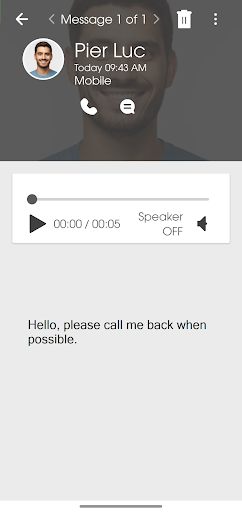
Cricket Visual Voicemail lets Cricket customers browse voicemail messages instead of handling them only by calling into voicemail. You can choose which message to play, save or delete, and control playback with pause, replay and fast-forward options. That suits people who get enough calls to want to sort messages in their own order, or who need to keep a particular message for later.
Follow up and keep what matters
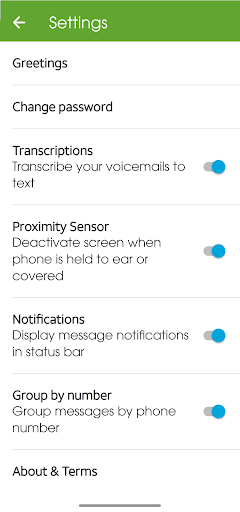
From a message, you can return the caller’s call or send a text. The app also lets you change your recorded greeting and save or export voice messages. Those options make it more useful as a small everyday inbox than as a simple playback screen, though saved messages still need somewhere on your phone or memory card to go.
What it asks of your phone
Cricket says receiving voicemail through the app does not count against your high-speed data allowance. Downloading the app and responding to voicemails by email can use that allowance. During initial setup, the app may send a one-time SMS to Cricket’s voicemail service to authenticate your account. That is worth knowing if you monitor data use or prefer to understand what account setup involves.
A Cricket-specific tool with a large user base
This is a carrier voicemail app, so it is aimed at Cricket customers rather than people looking for a general-purpose voicemail service. Cricket Wireless LLC is the developer. Its 3.88 rating across 33,320 reviews and 10,000,000+ installs suggest it is widely used, though those figures alone do not tell you whether it will work smoothly on your particular phone or account.